

REQUEST DEMO
Robot CATALOG will be sent to your mailbox immediately after submission.
SUBMIT
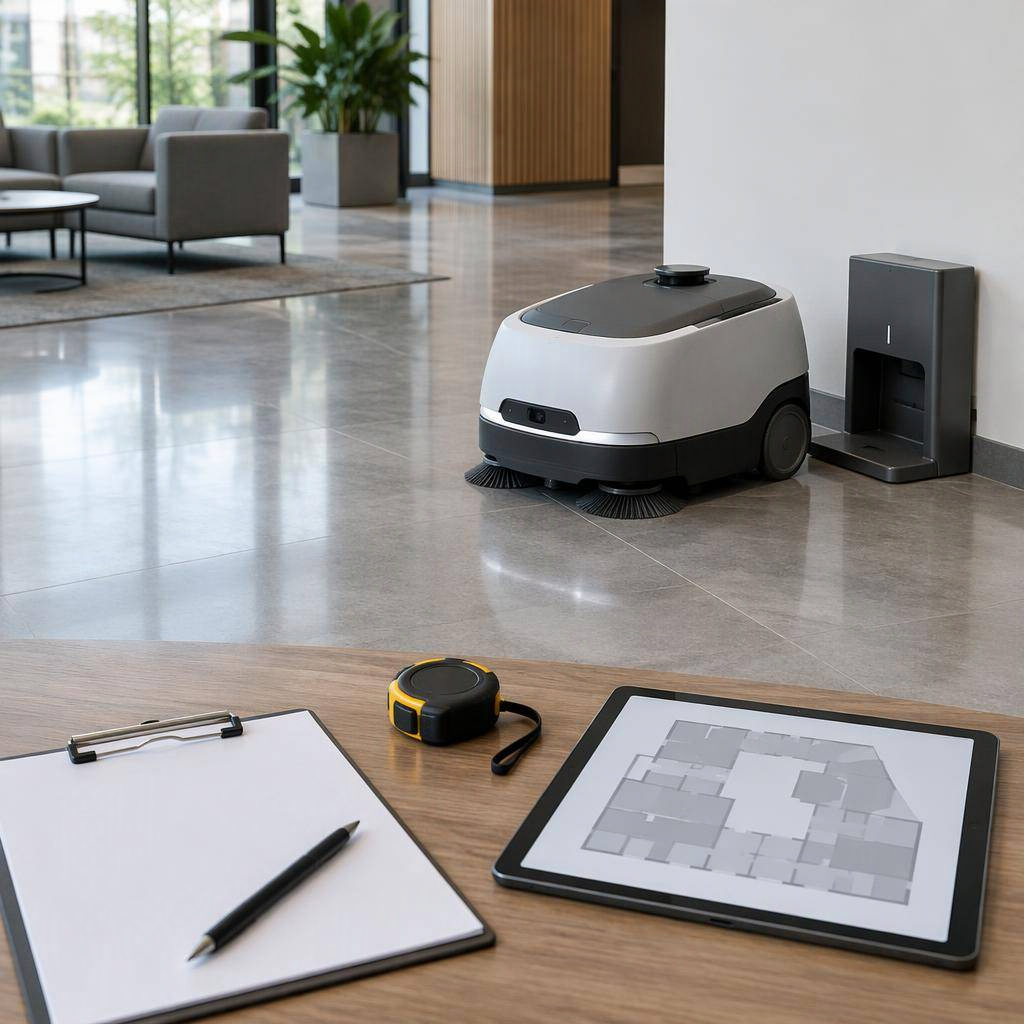
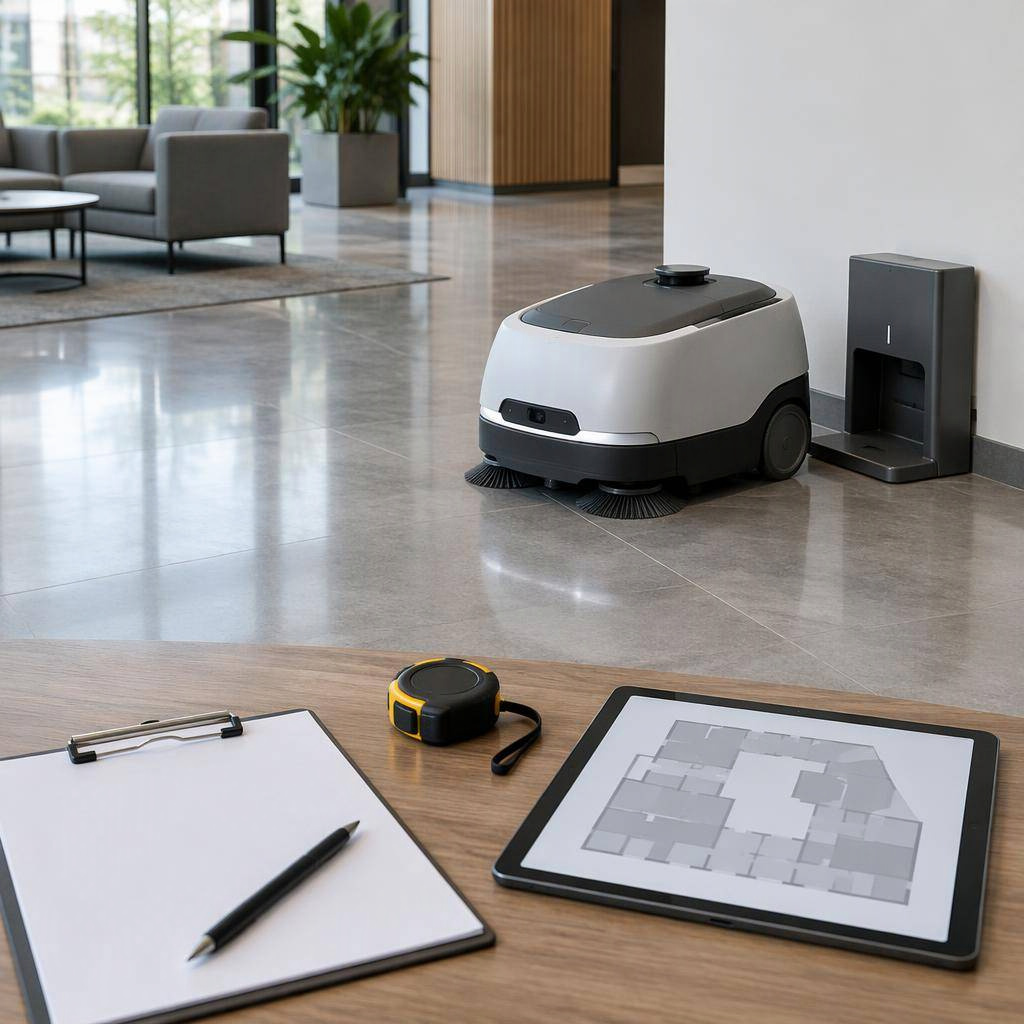
Short answer. A commercial autonomous floor scrubber is live when four things are true: the floor is mapped, the dock is live on that map, the first scheduled task has completed without an attendant steering, and the first week’s consumable rhythm has a named owner. The steps below are how we get there.
Disclosure. OrionStar publishes this guide. Worked examples are CleaniBot C5 (workstation class) and CleaniBot S55 Pro (charge-dock class), from the product manuals dated on the PDF covers as 1125 and 0525. This is a rollout document, not a ranking. For which machine to buy, use the 12-model comparison and picks by floor size.
Facility managers, FMS leads and cleaning contractors who own the night shift. You need a site owner, a trained attendant, and an electrician / plumber for the dock. You do not need to write navigation software.
| Gate | Pass condition |
|---|---|
| Survey signed | Floor types, slopes, doors, glass, drains, power, occupancy hours written down |
| Dock live | Robot returns unattended and (C5) fills/drains or (S55 Pro) charges |
| Map live | No-go zones on stairs, pits, glass; cleaning zones ≥ minimum area |
| First scheduled night | Task starts, finishes, returns, report exists |
| Week-1 rhythm | Daily tank/brush checks have a named person |
Teach-and-Repeat ride-ons (Tennant / ICE BrainOS) skip “draw a polygon” and record a driven route instead. The survey, dock, safety and maintenance gates are the same.
Walk the planned zone with a tape, a phone camera and the night supervisor.
Floor and soil. C5 manuals name ceramic tile, epoxy, marble, emery and cement. S55 Pro names marble, terrazzo, ceramic, PVC and short-pile carpet under 5.5 mm. Deep carpet, wet rooms, outdoor yards and oily process floors are out of scope until the vendor says otherwise in writing. Neutral / alkaline chemistry only on C5; strong acid is prohibited.
Geometry (C5). Minimum pass 800 mm; turning radius 1,720 mm; vertical obstacle 15 mm; climb ≤2%; GVW 215 kg; noise ≤70 dB(A); IPX3 (an IEC 60529 code; do not pour water over the machine).
Geometry (S55 Pro). Minimum pass 700 mm on doors, gates or an aisle within 1 m length; 6° grade; bump 20 mm in non-cleaning and standard mop, 5 mm in other modes; gap 35 mm; 70 kg without water; IP43; min cleaning area >5 m²; 1 × 1 m is the practical path-generation floor.
Traffic. Day public, night empty, or mixed with forklifts. Mixed traffic needs slower speeds, more no-go paint, and an attendant on the app for the first nights.
Environment risks. Stairs, open pits, elevators, glass walls LiDAR will see through, ground sockets, reflective glazed tile behind a dock, direct sunlight on a dock photodiode, slopes beyond the spec.
Dock real estate. Confirm a floor drain (C5 workstation) or accept that water stays manual (S55 Pro). Confirm indoor, flat, not in a pedestrian pinch, power within the vendor cable length.
Write a one-page risk note. If the zone fails pass-width or grade, stop and change the zone or the machine class. Do not “try it on the ramp”.
Three classes, one sentence each:
Do not re-score the market in this document. If you are still choosing, use the comparison and picks guides linked above. This guide assumes the class is decided.
The manual’s operational point is unattended water and power: automatic charging, clean-water refill, drainage, and sewage-tank cleaning. Before the truck arrives:
With the workstation fitted, daily sewage-tank self-clean runs each cycle; weekly deep clean still applies (manual 4.1.1).
The box includes a charging dock, tray, power cord, water hose with connector, funnel. Water is manual.
Dock rules from the manual:
If recharging fails, move the dock before you blame the robot.
C5. External battery / ship switch plus key switch (Off → On) plus touch screen. Emergency stop: press to halt, rotate ~30° to release. Do not use e-stop as an off switch. Power-assist push: manual mode, both hands on the rail, hold the assist button; control speed. Manual fill uses the supplied filler; the screen shows level. Manual drain: open the drain pipe over a sewage point, then reseat the cap or you will lose vacuum later.
S55 Pro. Factory ships with the rear battery switch off. Open the back cover, turn the physical battery switch on, then power the robot — or push it onto the live dock for a forced start. If the battery switch is off, the dock will not wake the machine. After self-test, log in (credentials from sales / after-sales — do not print defaults). If battery <20%, charge to at least 45% before mapping. Software gates: <10% no new tasks, return to charge; <5% shutdown.
Visual-check the S55 Pro kit against the packing list: sweeper, scrubber, debris tray, HEPA, waste tank, mop pads, hose, remote, dock.
C5. Wi-Fi 2.4 GHz and 5 GHz, 4G, LoRa listed in the RF table. Deployment often uses the robot hotspot and a tablet to bind the project; use the address in the delivery manual. Passwords stay with after-sales.
S55 Pro. First-run WLAN or 4G. If a SIM is not fitted, set APN with the local operator. Manual examples: Japan ctm-mobile; Europe and America data641003; mainland China no APN. Confirm against current after-sales advice — APNs change. Login username/password from sales; lost password is an after-sales reset, not a sticker on the dock.
Elevator and gate IoT on both products is integrator work. Do not treat a settings toggle as a lift interface.
Clear temporary furniture. You are mapping the building you will clean at 2 a.m., not the day-time display set.
S55 Pro start point. Feature-rich, fixed, near the centre of the scene — a real wall or corner. Do not start next to a plant pot, an opening door, a high-reflection panel, or facing transparent glass. Point the head at a long straight wall.
S55 Pro scan. E-stop, push to the start, release e-stop. More → Map management → Create. Push or remote-control the route. Erase ghosts. Add the charging dock by pushing the robot onto the live dock and tapping Add — one dock per map. Add no-go for stairs, pits, glass see-through, flower beds, ground sockets. Short-pile carpet gets a carpet zone; skip if none. Save. Without a dock on the map, the machine cannot run tasks.
C5 scan. Bind project, connect, Map management → Create, push-map, inspect for missing area and overlapping shadows, then Finish. Map name pattern in the manual: city + customer + floor (example given: Shanghai Pudong International Airport T2 1st Floor). Edit: virtual walls, cleaning areas, background erase.
Both. Glass is the classic failure. If LiDAR paints the street outside, cover it with a no-go or the night task will try to follow a bus.
C5. Record routes by pushing (outer loop must not cover an inner loop; cover the whole job) or draw polygons / auto rectangles. Scheduled tasks from the screen (More → setting → scheduling task) or the app. At end time the robot returns to the docking point. Automatic mode: pick task, mode, cycles, Start.
S55 Pro. Add one or more cleaning zones as rectangle or polygon, edges on or slightly over the real area. Path preview before you save. Minimum space to generate a path: 5 m²; 1 × 1 m local limit. Tasks are temporary (manual start) or scheduled (clock + cycle). Set sequence, then path spacing: tighter spacing, slower, more overlap. After you edit no-go on a map, regenerate paths on every task.
S55 Pro modes (do not mix them up in the first week):
You can later customise speed, brush, vacuum and water; a mode change is global to existing tasks, so do not tune it on a live night.
Trained operators only (C5 safety chapter is explicit). E-stop works; people in the aisle know what the lights mean (S55 Pro: solid blue standby/cleaning, solid green charging, side flash = turn, red = e-stop/alarm).
C5 safety stack to brief the night crew: drop detection, collision detection, runaway detection, dual laser+vision, point-cloud + vision obstacles, dual hub-motor control. FCC Part 15 Class B statement is in the manual — keep the machine as a digital device, not a toy.
S55 Pro: bumper strip, ultrasonics, line lasers, LiDAR, depth cameras as in the sensor table; still add no-go for the holes sensors cannot legally be trusted with (stairs).
Ask each vendor for the certificate file behind any standard on the brochure. IEC 63327 covers automatic commercial floor treatment machines and CSA/ANSI C22.2 No. 336 covers commercial robotic ones in the U.S. and Canada; the C5 manual names neither. A standard does not replace your own site risk assessment.
Write one page: who can start a task, who gets alarm SMS, what happens if a forklift parks on the dock, who calls after-sales. Do not run unattended on night one.
Dual-run: robot on the mapped zone, cleaner on edges and toilets. C5 missed-area scan / closed-loop cleaning is the recovery tool when a pallet moved. Watch:
After three clean nights, drop the shadow cleaner from the mapped zone only. Keep them on the unmapped remainder.
Power off before you put hands in brushes.
Daily. Drain and rinse sewage tank (or rely on workstation self-clean and still dump the filter basket); empty garbage box; charge if needed. Close the manual drain cap.
Weekly. Squeegee and suction tube; wipe sensors with a soft cloth (not fingers); check rubber wear; wash roller and side brushes; deep-clean sewage tank walls.
Monthly. Roller and squeegee rubber deformation; bristle length vs the wear mark; HEPA ash/mould; drain-pipe leaks; tank air-tightness.
Half-year. Squeegee springs/screws; abnormal noise; rust on lifts (derust + grease); roller belt cracks; drive-wheel skew (stop and call a technician).
Consumables, regular use (C5). Side brush 3 months / 400 h; roller 4 months / 500 h; squeegee 4 months / 500 h; HEPA 2 months / 300 h; deodorizing balls 2 weeks. High-consumption sites: shorter. Below 5 °C storage: waterways dry (anti-freeze chapter).
Sweeper brush 6 months; sweeper squeegee 12 months; scrubber brush 3–6 months; scrubber squeegee 3–6 months; mop pad 3–6 months; HEPA every 2 weeks to a month; dust bag weekly; several 12-month rubber/tubing items inspected by damage. Remaining life <10% in the app: order parts. After every replacement, confirm it in the app so the counter resets. LiFePO4 2,000 cycles; use the matching dock only.
Battery abuse (odour, heat, swelling) is a stop-and-call on both machines.
The issues most likely to stop a shift are:
If the on-screen remedy fails, after-sales — not a screwdriver in the LiDAR.
C5: “capable of integration with access control and elevator systems”. S55 Pro: IoT elevator and gate modules, “contact sales or after-sales”. Both sentences mean a project, wiring, and a building-owner permit. They do not mean a cleaner enables a toggle on Friday.
Until that project is signed, treat each floor as its own map and roll the machine (C5 215 kg — use the transfer precautions, empty tanks, authorised lifting points).
A simple store floor is often a half day including no-go and a dock verify. A multi-hall airport is a project. Budget a second visit after the first night shows the ghosts.
Not the brochure maximum. Take practical bands where they exist, then cut for dwell, dock travel and occupancy. C5’s 1,980 m²/h is maximum theoretical; S55 Pro’s ~1,197 m²/h is a mode figure. Confirm on the mapped trial.
Only with the risk note from Step 1, the lighting language from Step 8, and an attendant on the app for the first nights. Hospitals and schools should treat noise (C5 ≤70 dB(A); S55 Pro 65 / 50 dB) as a constraint, not a footnote.
At least two people: a starter (tasks, relocate, dock rescue) and a maintainer (tanks, brushes, HEPA). C5 forbids operation without training or authorisation.
C5: power, fill, drain, clear approach. S55 Pro: power, 1 × 1 m, no glare, verified wall; water tools next to it. Neither dock is optional if you want unattended return.